BEYOND CODING: WHY EVERY STUDENT NEEDS DIGITAL SKILLS
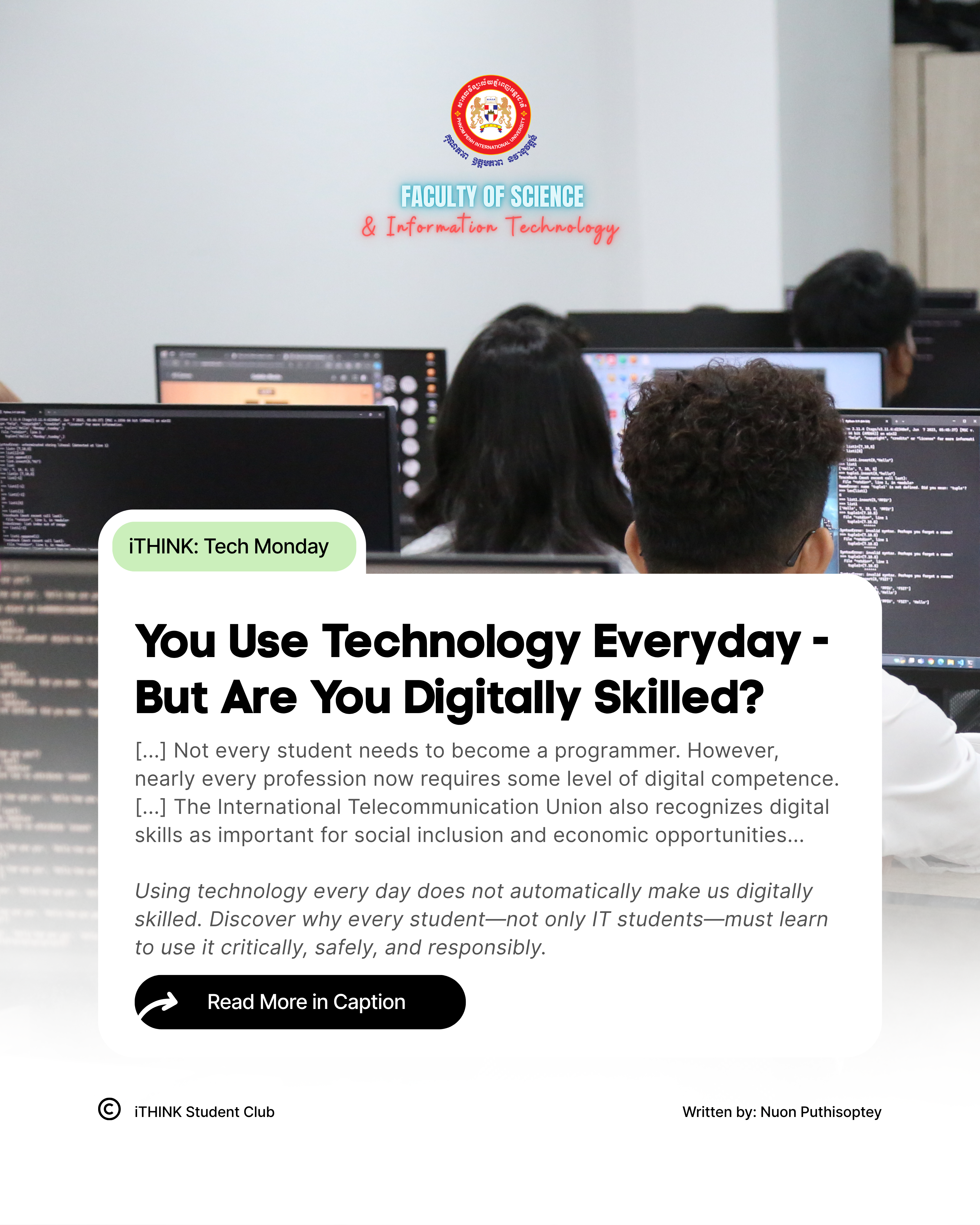
When students hear the term “Information Technology,” many immediately think about coding, computer laboratories, or IT professionals repairing technical problems.
However, IT is much broader than that. In fact, most of us have already interacted with several IT systems before we even arrive at school or work.
We check our messages on our phone, use Google Maps, scan a QR code, make a digital payment, access a file from cloud storage, or ask an AI tool to explain something.
These actions feel ordinary because technology has become deeply embedded in our daily routines. Behind each one, however, are devices, software, networks and data working together.
This is why i believe IT should not be treated as knowledge reserved only for IT students. We may use technology for different purposes, but all of us need to understand how to use it well.
BEING ONLINE IS NOT THE SAME AS BEING DIGITALLY SKILLED
A student may spend several hours online every day and still struggle to evaluate a source, organize a shared file, recognize a suspicious link, or determine whether an AI-generated answer is reliable.
Frequent use creates familiarity, but familiarity does not always mean competence.
UNESCO’s Global Framework of Reference on Digital Literacy Skills explains digital literacy as more than the ability to operate a device. It includes accessing, managing, understanding, evaluating and creating information through digital technologies in a safe and appropriate manner.
In practical terms, being digitally skilled means being able to ask:
1. Is this information reliable?
2. Is this the right tool for the task?
3. What information is this application collecting from me?
4. Am I protecting my account and personal data?
5. Can I use this content legally and responsibly?
6. Should I trust this AI-generated response, or should I verify it first?
These questions require more than technical ability. They require judgment.
The European Commission’s Digital Competence Framework, or DigComp 3.0, organizes digital competence into five broad areas: working with information and data, communicating and collaborating, creating digital content, staying safe and solving problems.
Its latest version also integrates AI across all areas of digital competence. This reflects an important reality: AI is no longer a topic only for specialists. It is becoming part of how students learn, communicate, create and make decisions.
NOT EVERY STUDENT NEEDS TO BECOME A PROGRAMMER
Digital literacy does not mean that every student must learn how to develop software.
A business student may use spreadsheets, databases, and digital payment platforms. An education student may work with learning management systems and AI-assisted teaching tools. A marketing student may create digital content and evaluate online information. A public administration student may eventually work with digital records and online public services.
The tools may differ, but the underlying responsibilities remain similar. Students must know how to manage information, protect data, communicate professionally, evaluate sources, and adapt to new technologies.
The goal, therefore, should not be to master every new application. That would be unrealistic because digital tools change too quickly.
A more sustainable goal is to develop the ability to learn, evaluate and adapt. Tools will change, but good judgment can be carried from one tool to the next.
For non-IT students, digital competence means having enough confidence and understanding to use technology without depending entirely on others. It also means recognizing when a tool is helpful, when it presents a risk and when its output should be questioned.
FOR IT STUDENTS, CODING IS ONLY THE BEGINNING
For IT students, technical knowledge remains essential. However, knowing how to write code does not automatically make someone a responsible IT professional.
A system can function exactly as programmed and still fail the people using it.
An application may contain impressive features but remain confusing, inaccessible or insecure. It may collect more personal information than necessary. It may produce inaccurate results or solve a problem that users never actually had.
This is why IT students must learn to ask questions beyond “Does the system work?”
They must also consider:
1. Who will use this system?
2. What problem is it supposed to solve?
3. What information does it genuinely need to collect?
4. How will users’ privacy and security be protected?
5. Can people use it easily and confidently?
6. What could happen if it fails or is misused?
Coding helps make a system function. Understanding people, ethics, security and context helps make that system useful and trustworthy.
WHAT I HOPE STUDENTS WILL LEARN
As an educator, i am less concerned with how many applications a student can name than with whether that student can make a sound decision when using one.
Can they recognize a possible scam? Can they manage and back up important work? Can they collaborate responsibly in a shared document? Can they question an AI-generated answer instead of immediately accepting it? Can they consider how their digital actions may affect someone else?
These are not advanced technical skills. They are basic responsibilities in a technology-driven society.
We can begin developing them through small, practical habits:
1. Verify information before using or sharing it
2. Review links and file permissions carefully
3. Protect important accounts with strong security practices
4. Organize and back up academic or professional work
5. Check AI-generated content against credible sources
6. Think about privacy, ethics and possible consequences
For IT students, the responsibility goes one step further. They must not only use technology responsibly, but also learn to build it responsibly for others.
Technology already influences how we learn, work, communicate and solve problems. The question is no longer whether we use IT. We already do.
The more important question is: Do we understand it well enough to use it critically, safely and responsibly?
Written and Curated by: Nuon Puthisoptey
#PPIU #FSIT #iTHINKPPIU #TechMonday #DigitalLiteracy #DigitalSkills #TechnologyForEveryone
See less
More from PPIU News